Proton Lumo Desktop: Connectors, Skills and Permissions
Proton launched Lumo Desktop on November 17, 2026 for Windows, macOS and Linux, adding three features at once: Connectors, which let Lumo find information and act in connected apps and files, Schedules, which run tasks once or repeatedly at a set time, and Skills, reusable instruction bundles that can carry templates and reference files. The design choice that defines the release is permission granularity. Permissions are set per action, not per app, so one connector can search automatically, send only after approval, and never delete.
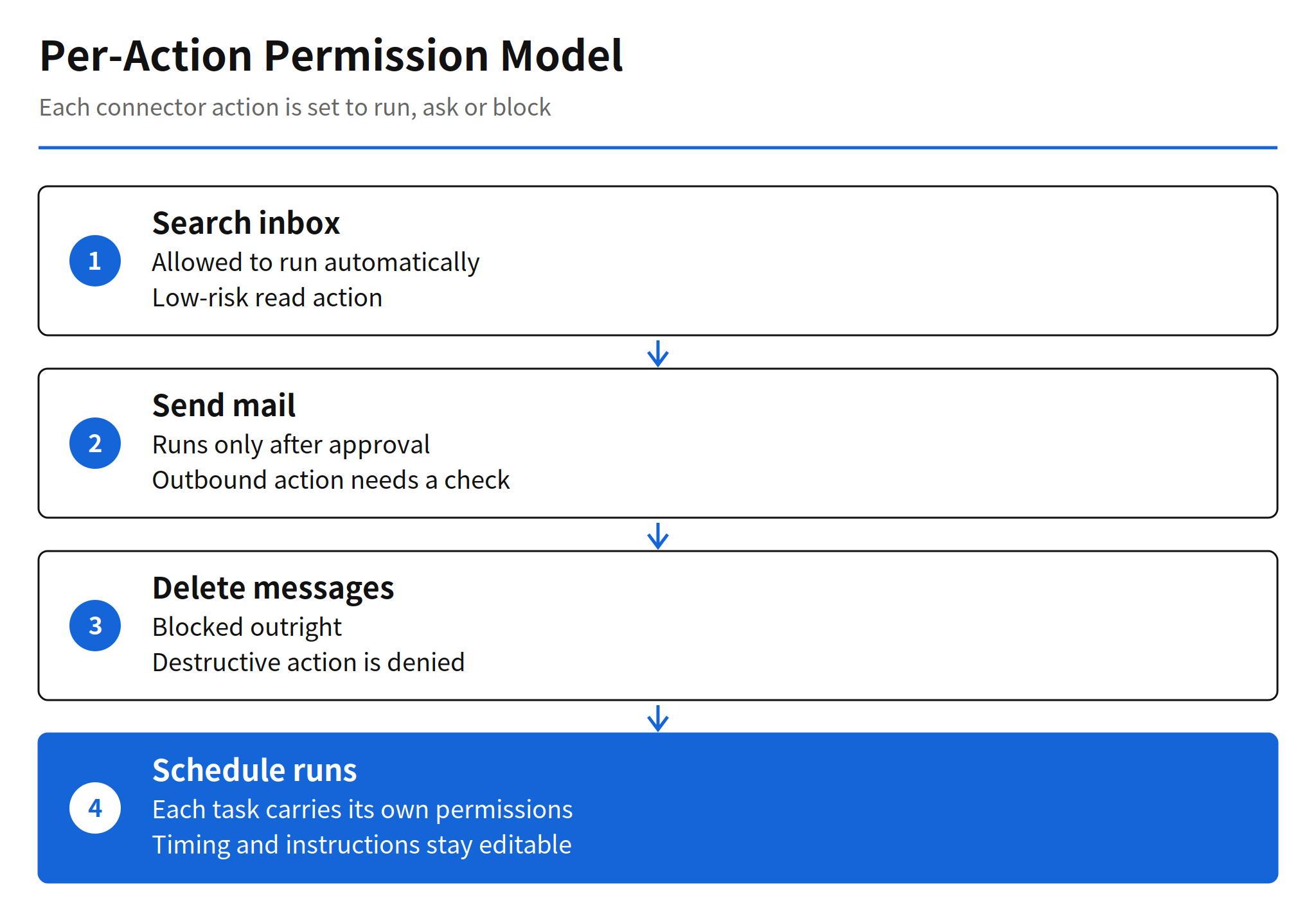
That split is the practical answer to the problem every desktop agent creates. The moment an assistant can read files, run shell commands and send mail, a single allow or deny switch is too coarse to be safe and too coarse to be useful. Proton's example makes the model concrete: searching a mailbox can run, sending mail waits for approval, and deleting messages is blocked. Builders of agent products can copy that pattern directly, because it maps to how users already judge risk, by consequence rather than by application.
Connectors and Per-Action Permissions
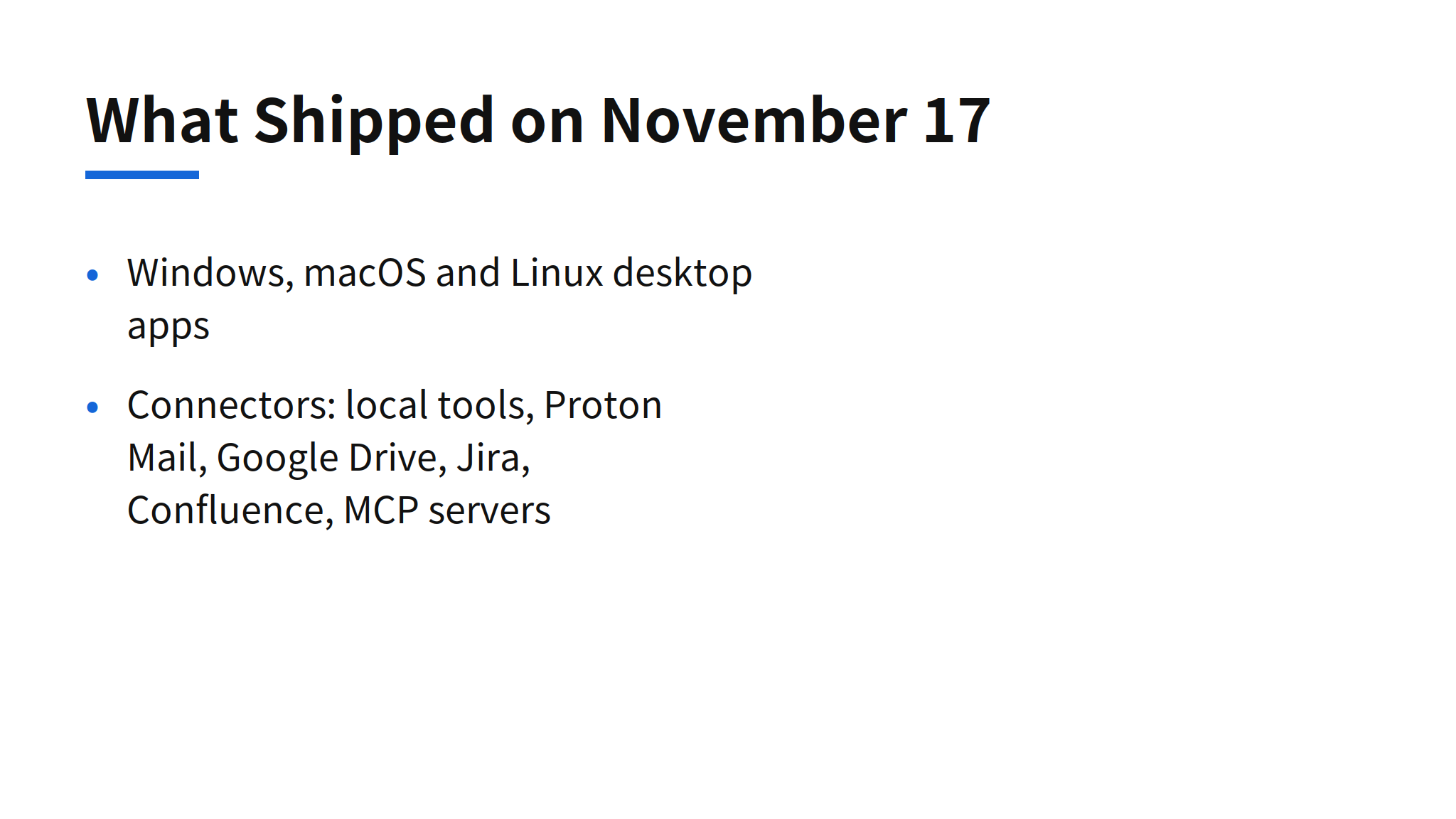
Connectors cover local tools with filesystem access, shell execution and browser content fetching, Proton Mail through Proton Mail Bridge, third party services including Google Drive, Jira and Confluence, and local or remote MCP servers. The breadth matters because it puts Lumo in the same category as other MCP based agents, while the permission layer is where Proton tries to differentiate.
Two defaults deserve scrutiny. Connected tools are on by default in a conversation, and a user can turn each Connector off from the Tools menu in that conversation. Convenience is real, but a connector that starts enabled puts the burden on the user to finish the permission setup before the first real task. The safer reading of the launch is that the per-action settings are not optional polish. They are the product, and using Lumo Desktop without setting them leaves the most sensitive actions governed by defaults the launch post does not fully specify.
Schedules, Skills and the Custom Lumos Migration
Schedules run a task once or on a repeating schedule, and each scheduled task carries its own permissions. Instructions and timing can be edited, and a task can be paused or deleted. Per task permissions are the right scope here, because a nightly summary that only reads is a different risk from a weekly job that sends, and a single global setting would force both to the weaker rule.
Skills are reusable instruction bundles for use across conversations. Templates and reference files can be attached, Lumo applies relevant Skills automatically, and several Skills can be used together in one conversation. Existing Custom Lumos migrate to Skills automatically, which removes a manual conversion step for current users and signals that Skills are the replacement format, not a parallel one. The open source point is also part of the release: Proton says the source code for these tools is public, framed as tools its own team built for internal use and released so the community can inspect them.
Privacy Claims and the New Swiss GPU Cluster
Proton states that information from conversations and connected apps and files is not used to train models or for personalised advertising, that chat history is protected with zero-access encryption so Proton itself cannot read it, and that Swiss privacy law and European infrastructure apply. Alongside the software, Proton announced infrastructure investment: its first NVIDIA B300 cluster built to Open Compute Project standards has started operating in Switzerland.
The privacy claims should be read as company claims. No independent audit of this launch has been published, and the encryption scope is described by Proton rather than verified by a third party in the launch material. That does not make the claims empty. It means buyers who need assurance beyond the vendor statement still have to ask for audit evidence separately, as they would with any agent that touches mail and files.
Context Against Microsoft Autopilot
The timing is instructive. In the same week, Microsoft gave Copilot Autopilot its own Entra Agent ID with admin blocking, covered in the related reading below. Two vendors with opposite positions on identity, one enterprise directory based and one privacy based, converged on the same conclusion: an agent needs its own identity and a permission record that can be inspected and revoked. Per agent identity and per action permission are becoming the common shape of agent governance, regardless of vendor.
Limits and Unconfirmed Points
- Pricing and limits are unpublished: plan limits and the free scope of the Desktop features are not in the launch post.
- Privacy claims are vendor claims: the no training claim and the encryption scope have no published independent audit for this launch.
- Connectors start on: connected tools are enabled by default in a conversation, so the risk depends on users completing per-action setup.
- No reliability metrics: Proton published no task completion or error rates for Connectors, Schedules or Skills.
FAQ
What is Proton Lumo Desktop?
Lumo Desktop is Proton's desktop app for Windows, macOS and Linux, launched on November 17, 2026. It adds Connectors, Schedules and Skills to the Lumo assistant.
How do Lumo Connectors permissions work?
Permissions are set per action when a Connector is configured. An action can run automatically, require approval, or be blocked. Proton gives searching a mailbox as an automatic action, sending mail as an approval action, and deleting messages as a blocked action.
What are Lumo Skills and Schedules?
Schedules run a task once or repeatedly at a set time, with permissions attached per task. Skills are reusable instruction bundles that can include templates and reference files, and existing Custom Lumos migrate to Skills automatically.
Does Proton train on Lumo data?
Proton says information from chats and connected apps and files is not used to train models or for personalised advertising, and that chat history is protected with zero-access encryption. Those are company claims, and no independent audit of this launch has been published.
How much does Lumo Desktop cost?
Proton did not publish plan limits or the free scope for the Desktop features in the launch post, so pricing for these specific features is unconfirmed.
Related Reading
- Copilot Autopilot Release: Identity, Memory and How It Works, Microsoft's agent identity approach from the same week
- Kimi Hosted Agents: Pricing, Skills and How It Works, another hosted agent offer built around skills