Devin Apps Release: Hosted Web Apps on Devin's Machine
Cognition announced Devin Apps on November 13, 2026. A Devin App is a web app that Devin builds in a session and then keeps serving from that session's own machine, at a stable URL in the form https://<name>--<id>.preview.devinapps.com. Nothing is deployed to a third-party host. The App inherits the session's MCP connections, integrations and codebase access, so the same agent that wrote the tool also runs it.
The gap this fills is easy to miss because it sits after the demo. Coding agents already produce working web apps inside a session, and Devin itself had browser previews for looking at work in progress. A preview dies with the session's task. An App is the version the team keeps opening next week: an internal tool, a metrics dashboard, an approval form, or a beta copy of the product, living at one address that survives every update.
How Devin Apps Work
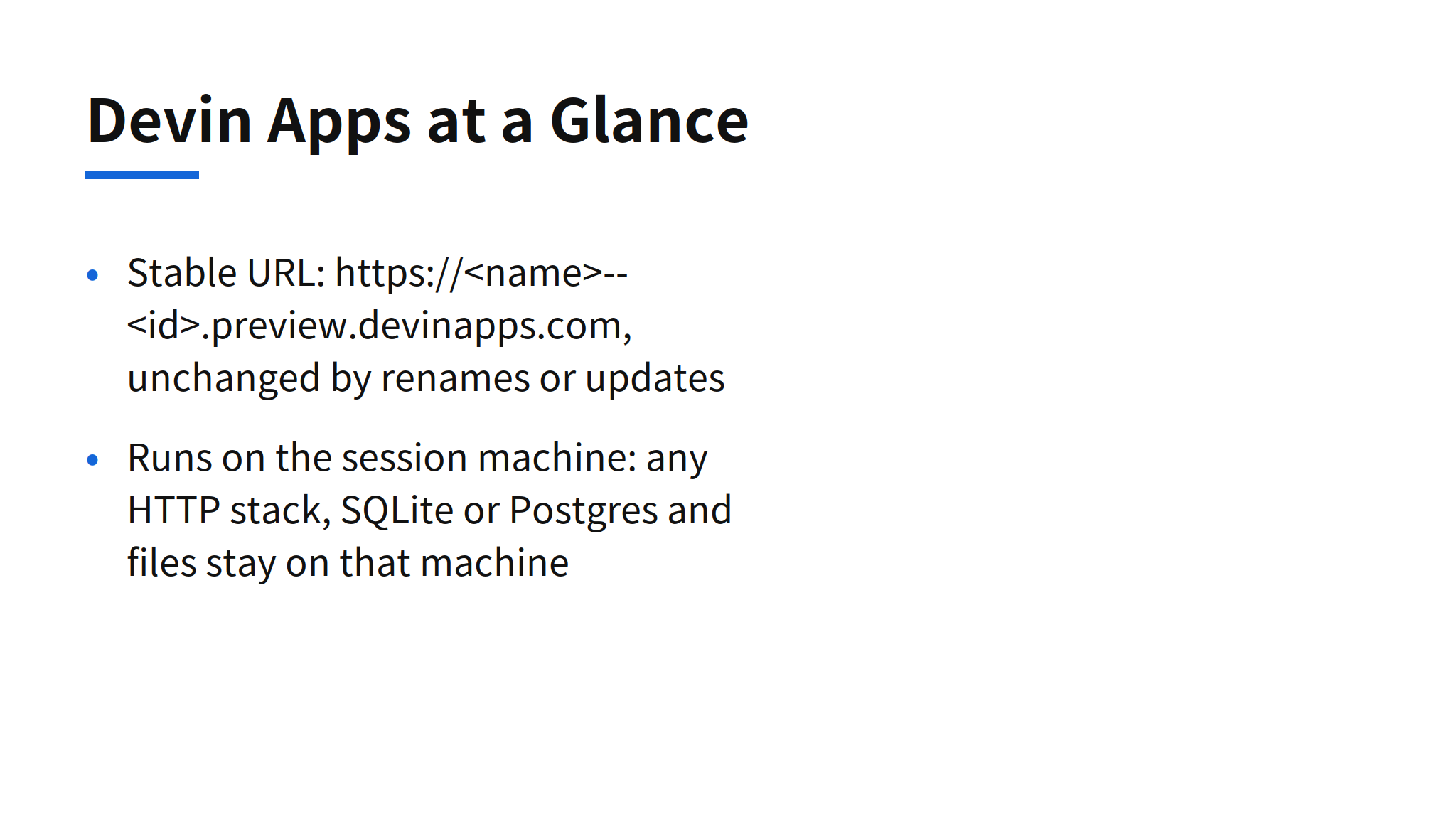
Any stack works, as long as the result serves HTTP on a port. Data stays on the same machine: the App can run SQLite or Postgres locally, and files and uploads live there too. Devin's build process reinforces that layout. It serves a production build rather than the dev server, commits to git before every deploy so each version matches a commit, and keeps database files and uploads outside the build folder so an update or a rollback does not wipe them.
The machine sleeps when nobody is using it. Five minutes after the last request it goes to sleep, and the next visit wakes it within a few seconds. Billing follows awake time, so an App nobody visits costs nothing while it sleeps. Building and changing the App is ordinary session work and is billed as such. That pricing shape is the honest one for internal tools, whose traffic is bursty by nature: a dashboard checked at standup should not bill like a production service.
Sharing is private by construction. Everyone who opens an App signs in to Devin, and general access has three levels: only people with access, the whole organization, or the whole enterprise, with per-person and per-group grants on top. Organization admins can pin an App for everyone and set sharing defaults. Secrets follow the same on-machine logic. API keys are added as secrets and handed to the App's server, and the documentation warns plainly that anything sent to the browser is visible to everyone who can open the App.
Creating and Updating an App
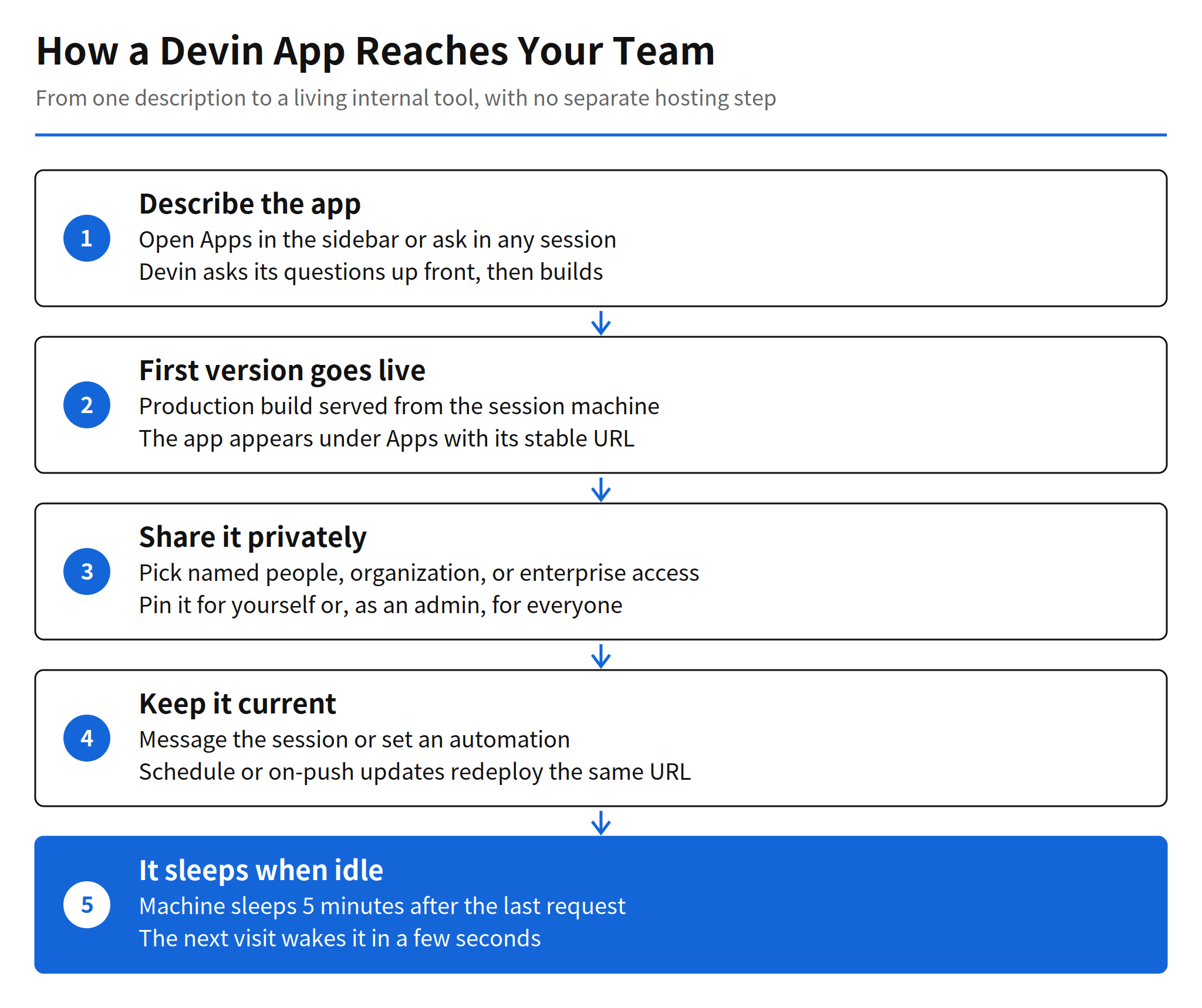
Creation starts in the Apps sidebar or in any existing session: describe what the App should do, and Devin asks its questions in the first message, then builds the App and puts it online. A browser preview from earlier work can also be published as an App. The App appears under Apps right away with its URL, marked as building until the first version is live.
Updates stay inside the same session. Messaging the session, or clicking Edit in session on the App page, produces a new version at the same URL. The App page lists deployments with status, description and commit, and shows page views for the last 24 hours, 7 days or 30 days. If a new version fails to start, the previous version keeps serving, and rolling back means asking the session to deploy an older version again.
Automations can keep an App current without a human prompt. On a schedule, Devin wakes up, pulls fresh data and updates the App, which suits dashboards and reports. On every push to a tracked branch, it redeploys. The documentation is unusually direct about the cost trap here: every automation run is a billed session, an App updated every few minutes can cost far more than the App itself, and the remedies are to run less often, pick a cheaper model for the automation, keep each run small with a script that fetches only new data, and set a spend limit per session.
My read: the interesting move is not the hosting, it is the removal of the handoff. Until now an agent-built internal tool still needed a human to pick a host, wire a pipeline and own the result. Devin Apps collapses build, serve and update into the session that already has the context, the credentials and the codebase. For low-traffic internal tools, that handoff was most of the cost.
Limits and Unconfirmed Points
- One machine by design: Cognition states that an App runs on a single machine and fits internal tools and dashboards, not high-traffic production services. Production traffic belongs on the team's own infrastructure and CI/CD.
- The session is a dependency: archiving or ending the session takes the App offline. If the server crashes, nothing restarts it; the URL shows an error page until someone asks the session to deploy again.
- No service workers: Apps cannot register their own service worker, so PWA offline mode is not available.
- Pricing detail not published: the documentation confirms awake-time billing and session billing for changes and automations, but no per-plan price table or plan-by-plan availability was published in the sources used here. Devin Apps are rolling out gradually, and accounts without Apps in the sidebar do not have the feature yet.
FAQ
What is a Devin App?
A Devin App is a web app that Devin builds and keeps serving from its own machine at a stable URL. It can be an internal tool, a dashboard, a form, a tracker or a demo, and nothing is deployed to a third-party host.
Can a Devin App be made public?
No. Apps are always private. Everyone who opens an App has to sign in to Devin, and access is set to named people, the whole organization, or the whole enterprise.
How is a Devin App billed?
Billing follows how long the machine is awake. The machine sleeps 5 minutes after the last request and wakes within a few seconds when someone opens the App, so an App nobody visits uses nothing while it sleeps. Building and changing the App is billed as normal session work.
How do you update a Devin App?
Message the session that built the App, or click Edit in session on the App page. Each update ships as a new version, and if a new version fails to start, the previous version keeps serving at the same URL.
What are the main limits of Devin Apps?
An App runs on one machine, so it fits internal tools and dashboards rather than high-traffic production services. Apps cannot register a service worker, so PWA offline mode is unavailable, and archiving or ending the session takes the App offline.
Related Reading
- Cognition SWE-2 Flash: Pricing, Speed and Benchmarks, the earlier Cognition release covered in this series
- Kimi Hosted Agents: Pricing, Skills and How It Works, another take on agents that stay hosted after the session