DigUp: On-Device Semantic File Search, EmbeddingGemma 2
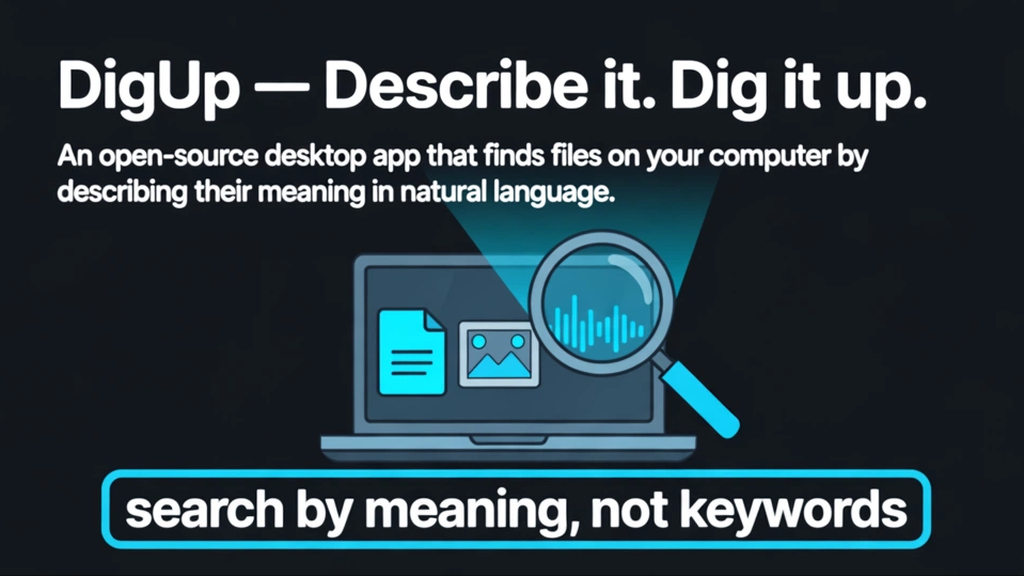
"Describe it. Dig it up." DigUp is a cross-platform desktop app for finding files by describing them. The slogan is one line. Every file on the device is indexed by meaning before searching, and the engine is Google DeepMind's EmbeddingGemma 2. The README phrasing is explicit: "not file names, not folders, not timestamps: by what the content actually is." Press Shift-Command-Space (Mac) or Ctrl+Shift+Space (Windows and Linux) and the search panel opens from any app.
What It Reads: Five Media Types and Code Behind Opt-In
- Photos and screenshots: it reads what is visibly in the image, not the file name. On Mac, it also reads the text inside screenshots.
- PDFs: each page of a document is read separately. It supports up to 5,000 pages: it parses the whole of a long paper or book instead of stopping after a few preview pages.
- Documents: it reads the text bodies of txt, md, rtf, docx, odt, and html files.
- Audio: recordings are indexed in 30-second overlapping windows, and results point to the exact section where a keyword was spoken.
- Video: every shot's image plus the soundtrack are read, so a query like "the part with music" or a scene description works.
- Code: code projects are excluded by default (opt-in). Only screenshots are read from code project folders.
Exact string matching works alongside: an invoice number, an error code, or a person's name also returns hits. It also offers cross-language search: describe something in English and retrieve a Bengali or Arabic memo saved on the machine.
The design intent becomes clear from a concrete example. Describe "the part of the design review recording where we talked about the logo" and DigUp points to meetings/2026-Q3-design-call.mp3 at section [12:34]. Describe "the third draft of the logo" and it returns logo-final-v3.fig at [artboard 4].
How It Works: One 865MB Model for Everything
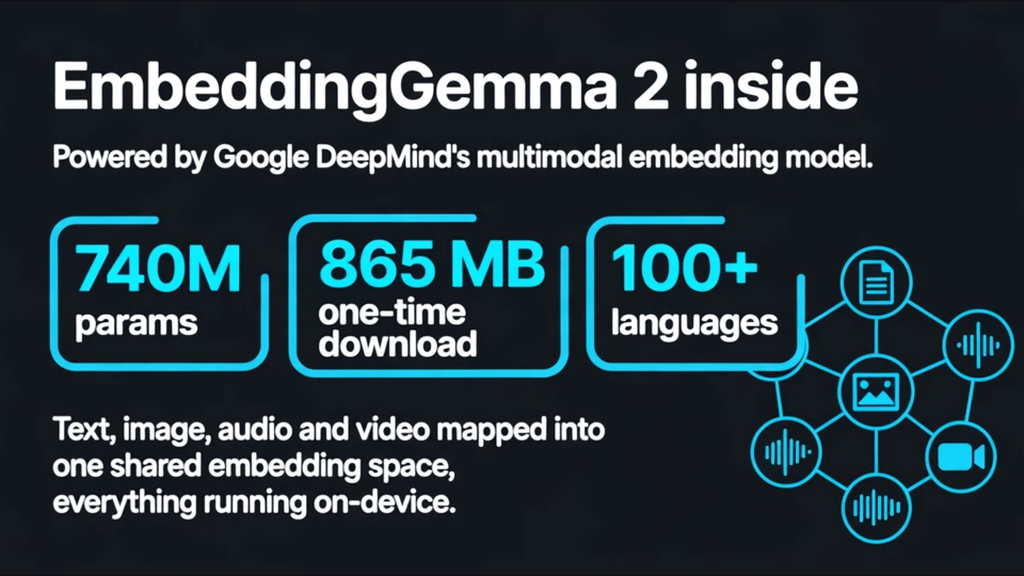
- EmbeddingGemma 2 is a multimodal embedding model DeepMind released in October 2026. It has 740 million parameters, Apache 2.0 licensing, support for more than 100 languages. It embeds text, images, audio, and video into one shared space.
- The model file is 865MB. It downloads once at first run and goes entirely on-device afterward.
- It is designed to run on CPU without a GPU. The whole personal corpus is indexed into one cross-modal semantic space.
The key point is not just the pipeline but the privacy stance. DigUp's rule is that the indexing data, the mental map of every file, never leaves the computer. No uploads, no telemetry, no accounts. Search speed and quality are undisclosed by the project. How a tool from an individual developer behaves on ordinary machines is worth measuring before trusting it for everyday use.
Privacy: Reading Scope Is Narrower Than It Looks
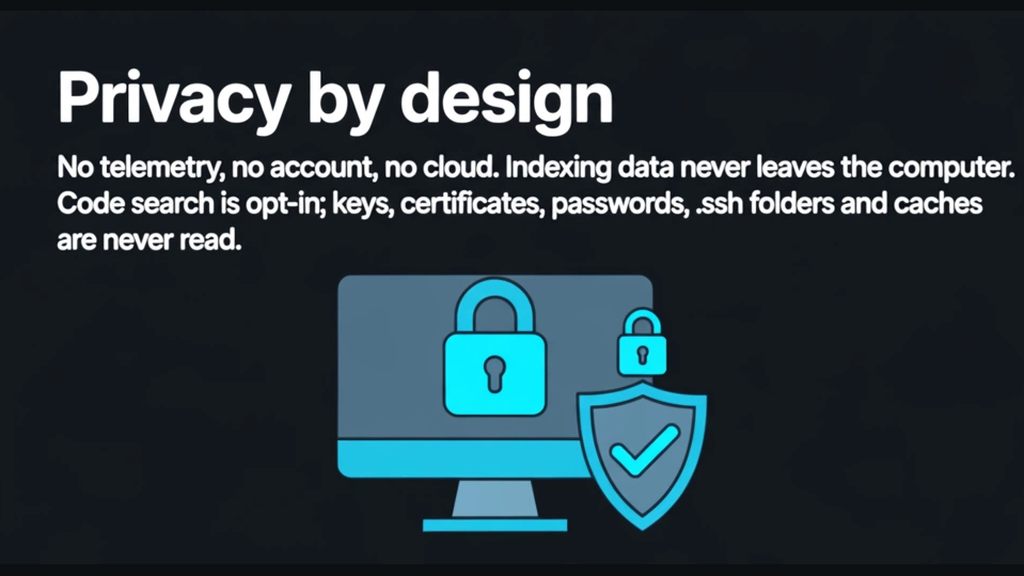
Local indexing only earns trust if the reading scope is fixed as policy. DigUp draws three lines:
- Cloud-only files (iCloud, OneDrive) are never pulled down to the device.
- Keys, certificates, password files, .ssh, apps, and caches are never read.
- The model file is 865MB, downloaded once, and everything runs on-device afterward.
Traction: 5,295 Stars in 13 Days
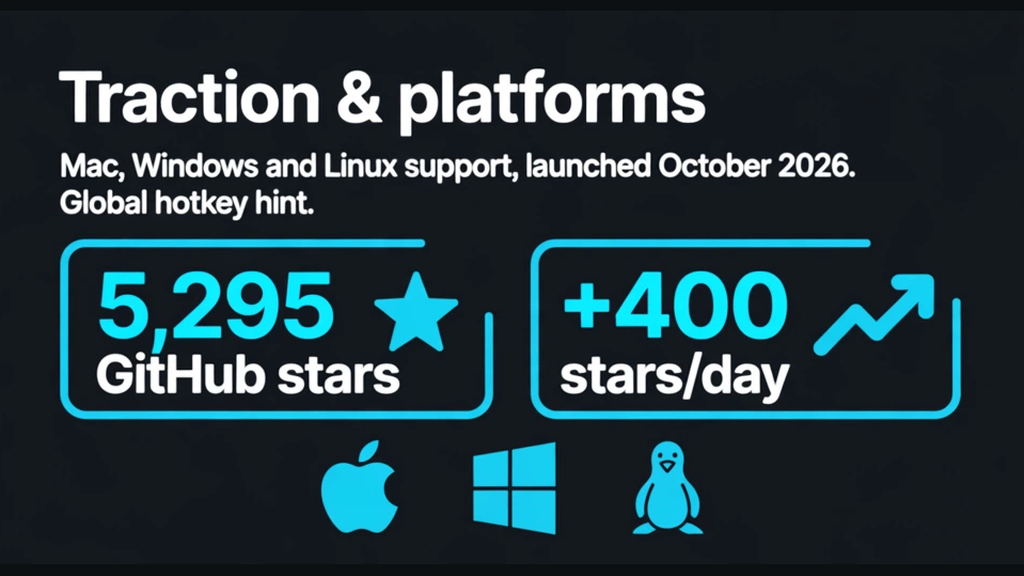
- Stars 5,295, forks 392 (as of October 21, 2026). The repository was created on October 8, 2026, and its last push was October 18, 2026.
- The star count grew by roughly 400 per day, and the audience is individual-to-team knowledge workers.
- Distribution: a proper release on Mac (DMG file, Homebrew cask), and v0.7.0-beta.2 on Windows and Linux.
Limits and Unconfirmed Points
- No mobile version: DigUp is desktop-only.
- Search quality in languages other than English is unconfirmed. README examples cover English, Bengali, and Arabic; Korean-language quality is not an official example.
- The Windows installer is unsigned: expect "unknown app" warnings on install.
Signals for Agent and Search Product Builders
- One shared semantic space across modalities: the 100+ languages and "text + image + audio + video" combination is the distribution template for on-device media tools.
- A 740M-parameter model designed to run on CPU without a GPU: the exact shape of the next-generation on-device pattern every Android maker is pushing.
- An 865MB one-time download plus everything on-device: a stack that preserves personal privacy by design, without a cloud upload step.
Sources
FAQ
What is DigUp?
DigUp is a cross-platform desktop app for finding files by describing them. Every file on the device is indexed by meaning before searching, using Google DeepMind's EmbeddingGemma 2: not file names, not folders, not timestamps, but what the content actually is. Press Shift-Command-Space on Mac or Ctrl+Shift+Space on Windows and Linux and the search panel opens from any app.
Does DigUp send file data to the cloud?
No. The indexing data never leaves the computer: no uploads, no telemetry, no accounts. The 865MB model file downloads once at first run and everything runs entirely on-device afterward, and cloud-only files such as iCloud and OneDrive files are never pulled down to the device.
What file types does DigUp index?
DigUp reads photos and screenshots by what is visibly in the image, PDFs page by page up to 5,000 pages, and the text bodies of txt, md, rtf, docx, odt, and html files. Audio is indexed in 30-second overlapping windows, and video is read as every shot's image plus the soundtrack. Code projects are excluded by default and are opt-in only.
Which platforms does DigUp support?
DigUp is desktop-only, with no mobile version. Mac has a proper release as a DMG file and a Homebrew cask, while Windows and Linux are at v0.7.0-beta.2. The Windows installer is unsigned, so unknown app warnings are expected on install.