Grok Bot 1.0 Release: Team Sharing, Meetings and Pricing
SpaceXAI released Grok Bot 1.0 on November 11, 2026, graduating the product from beta. The headline change is scope: a bot is no longer a personal assistant tied to one user. It can be shared with a whole team, work inside Slack and Microsoft Teams, and join video calls on Google Meet, Zoom and Microsoft Teams as a participant.
That shift matters more than any single feature in the release. Grok Bot started as a personal AI teammate, gained shared Team Bots in September, and now adds Microsoft Teams and meeting participation. The unit of deployment moves from a person to a team, which is the same direction other agent products took in the same week, with Claude previewing Google Meet participation and Cursor shipping agent collaboration. The competition is moving from model quality alone to placement inside an organization.
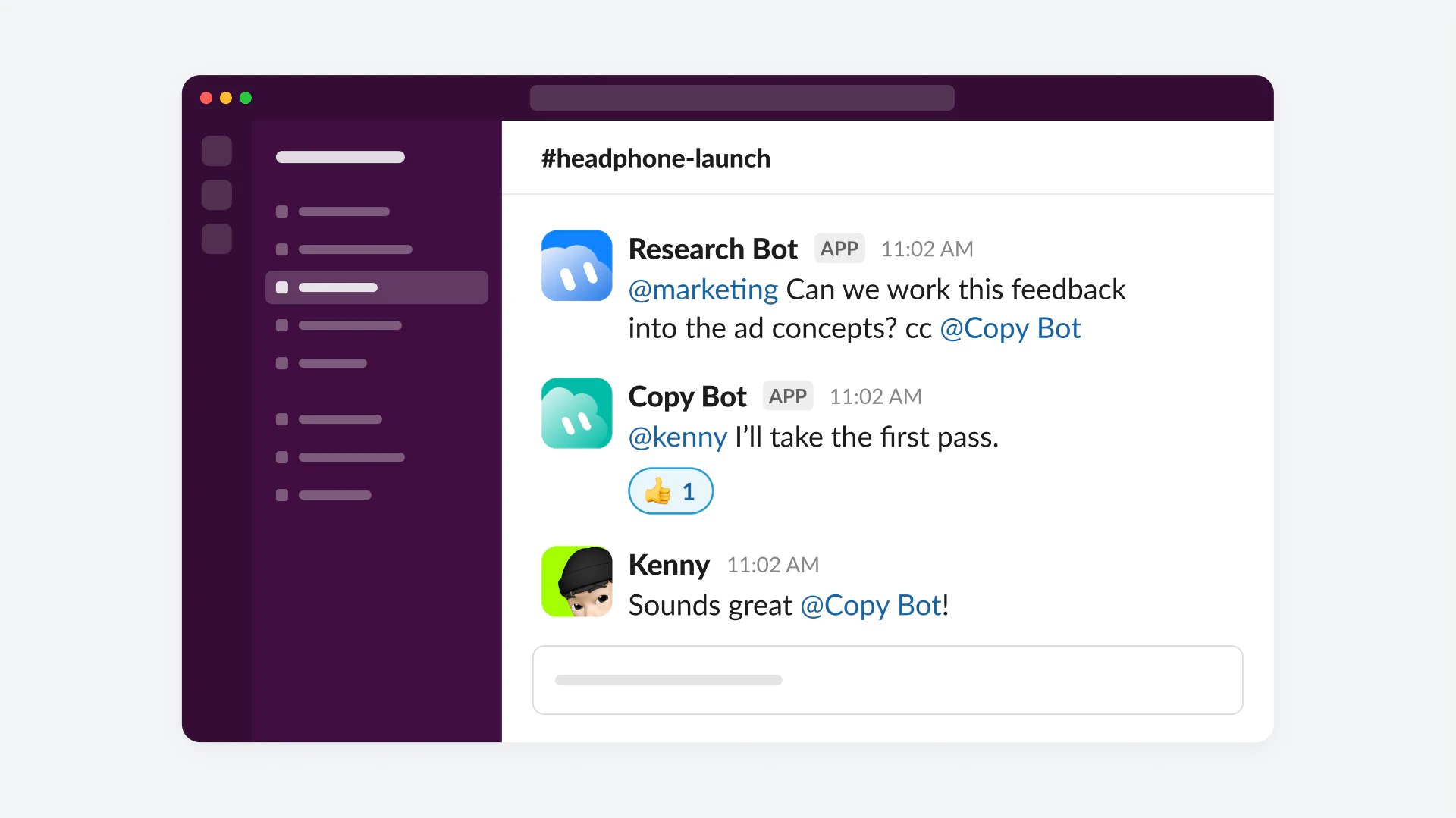
Shared Team Bots in Slack and Microsoft Teams
A shared bot lives where the team already talks. Once a bot is shared, it enters Slack and Microsoft Teams channels and can also be invited into video calls. For a team, that changes the interaction model: instead of each person opening a private chat with an assistant, the bot sees the same shared context as everyone else in the channel and can be addressed in front of the group.
Shared context is also the risk. A bot that works in public channels can see more, repeat more and act in front of more people than a private assistant. xAI paired the sharing launch with permission and disclosure checks, covered below, and that pairing is not optional decoration. A team bot without per-person permissions would be a non-starter for most organizations, so the safety behavior is part of the product, not an add-on.
A Bot Inside the Meeting
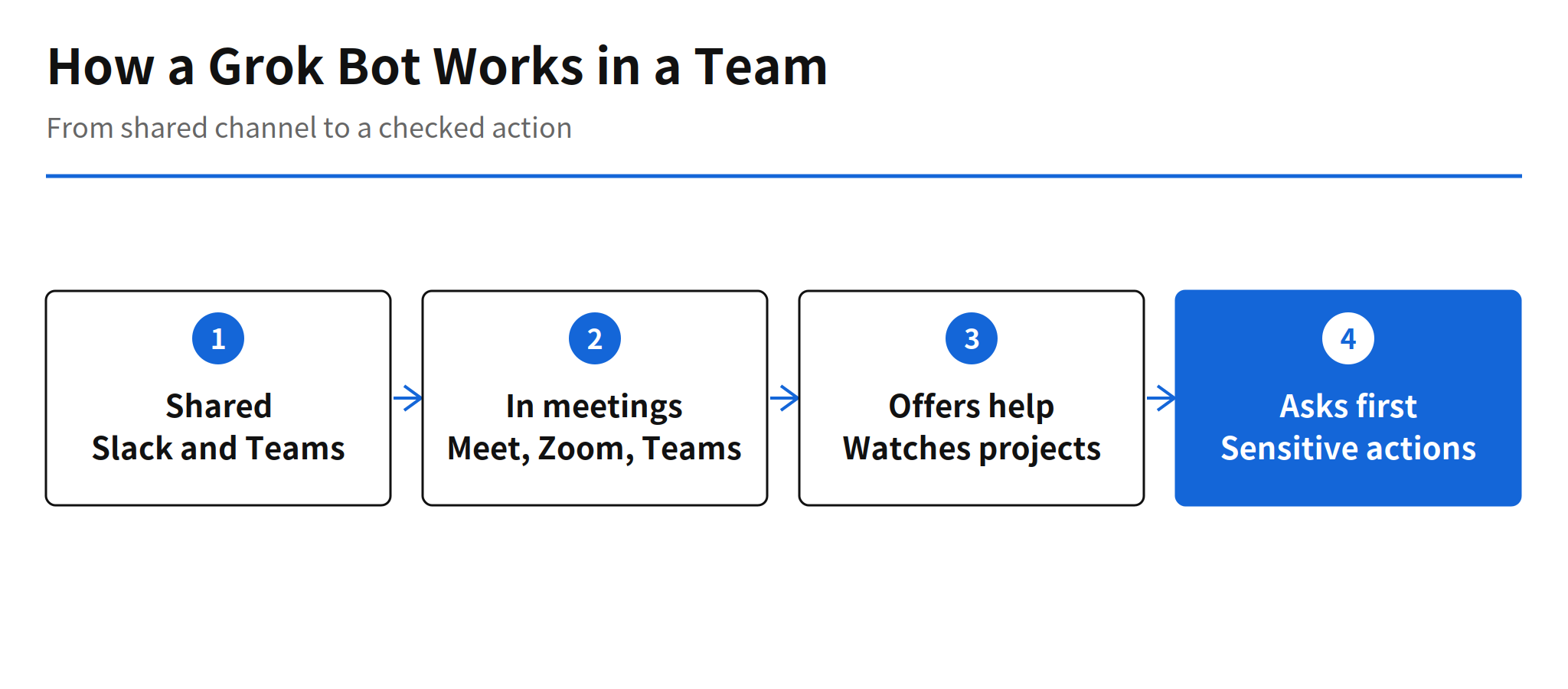
The bot joins Google Meet, Zoom and Microsoft Teams calls as a participant. During a call it contributes through chat and tracks the decisions made. That is a narrower role than a speaking participant, and a sensible one: a chat-based presence can record commitments and surface information without interrupting the conversation, and the decision tracking gives the meeting a written residue that outlasts the call.
The practical test will be accuracy of that residue. Decision tracking is useful only if the bot separates decisions from discussion reliably, and xAI has published no accuracy figures for it. Teams evaluating the feature should treat the tracked decisions as a draft to confirm, at least until independent use shows how often the record needs correction.
Proactive Work and Team Learning
xAI positions the bot as a teammate that works ahead of requests. It watches projects in progress, notices work that needs a hand and offers to take that work on, then follows up on tasks that were left unfinished. When a decision requires judgment, the design calls a person in rather than letting the bot decide alone. That escalation rule is the line between a proactive agent and an unsupervised one, and it is stated as a default behavior rather than a setting.
The bot also learns from the people it works with. It remembers personal preferences, team decisions and each person's expertise, and a better method taught by one person spreads to the whole team. Shared learning is the strongest argument for a team bot over personal assistants: knowledge captured once compounds across the group instead of staying inside one person's chat history. The same property raises the stakes for memory errors, because a wrong preference or an outdated decision learned once would also spread to everyone.
Permissions and Sensitive Actions in Shared Spaces
For shared spaces, xAI lists three guardrails. The bot respects each person's individual permissions, so sharing a bot does not widen what any one user can access through it. It asks before sensitive actions. And it checks whether information is appropriate for a public channel before posting it there.
These are the right three checks for a team deployment, covering access, action and disclosure. What the announcement does not provide is enforcement detail: how permission boundaries are tested, what counts as a sensitive action, or how the public channel check decides. Organizations will need those answers from documentation or trials before giving a shared bot access to consequential work.
Plans, Availability and Post-Beta Improvements
| Feature | Plans | Condition |
|---|---|---|
| Team Bots | Team, Enterprise | Shared with the team |
| Meeting participation | Team, Enterprise, Ultra | On Enterprise, an administrator enables the feature |
A standalone price for Team Bots has not been published; only plan inclusion is confirmed, so budgeting beyond a plan subscription is not possible from public information yet. Alongside the 1.0 label, xAI lists post-beta improvements: better browser use, better document and presentation creation, more integrations including Gmail, Google Calendar and GitHub, plus new approval flows and bot settings and analytics screens. The integration list is significant for daily work, because a meeting and channel bot that can also reach mail, calendar and code sits much closer to the actual flow of tasks than one confined to chat.
What Has Not Been Shown Yet
xAI describes Grok Bot 1.0 as faster, more stable and more efficient, but published no figures and no independent test exists yet. The official blog post is dated November 2, 2026, while the public announcement landed on November 11 with the 1.0.1 changelog, so exact start dates per feature are not pinned to a single day.
- No performance numbers: speed, stability and efficiency claims arrive without measurements or benchmarks.
- No standalone pricing: Team Bots pricing beyond plan inclusion has not been disclosed.
- Unclear rollout dates: the blog date, the announcement date and the changelog do not line up on one release day for every feature.
None of that cancels the structural point of the release. An agent that is shared by a team, present in its meetings, able to propose work and bound by per-person permission checks is a different product category from a personal chatbot, even before performance is measured. The open questions are about proof: measured speed and reliability, decision tracking accuracy, and how the guardrails behave under real organizational pressure. Those answers will decide whether team bots become standard seats in collaboration tools or stay a launch-week experiment.
FAQ
What changed in Grok Bot 1.0?
Grok Bot 1.0 graduated from beta on November 11, 2026. A bot can now be shared with a team, work inside Slack and Microsoft Teams, and join video calls on Google Meet, Zoom and Microsoft Teams as a participant that contributes in chat and tracks decisions.
Which plans include Team Bots and meeting participation?
Team Bots are available on Team and Enterprise plans. Meeting participation covers Team, Enterprise and Ultra plans, and on Enterprise an administrator has to enable the feature first. A standalone price for Team Bots has not been published.
How does a Grok Bot work proactively?
The bot watches projects in progress, notices work that needs a hand and offers to take it on, then follows up on unfinished tasks. When a decision needs judgment, it calls in a person instead of deciding alone.
What safety checks apply in shared spaces?
xAI says the bot respects each person's permissions, asks before sensitive actions, and checks whether information is suitable for a public channel before posting it there.
What performance evidence supports the 1.0 release?
xAI describes the release as faster, more stable and more efficient, but published no figures for those claims, and no independent test has appeared yet. The claims should be read as vendor statements until measured results are available.
Related Reading
- Perplexity Teammates Release: Persistent Agents, Pricing, another agent product built around persistent teammates for a group
- Kiro Bots Release: Persistent Agents, Pricing and Memory, persistent bots with memory, from the development tool side